HEIC and JPEG metadata: what changes when you convert an iPhone photo
iPhone photos are often HEIC. Learn how to read their metadata, what conversion may change, and how to compare the two files yourself.
Why many iPhone photos are HEIC
Many iPhones save photos in HEIC, also called HEIF, a format that stores images efficiently. JPEG is older and works almost everywhere. Both can carry EXIF metadata such as camera model, exposure settings, date and GPS location.
Reading HEIC metadata
EXIF Reader accepts HEIC files and shows the metadata it can parse. Results can vary from file to file; if a field is missing, that describes the file you opened.
The PixKnow metadata remover currently supports JPEG, PNG and WebP only. HEIC files can be read here but not cleaned.
What to look for
- camera and lens model
- date and time taken
- GPS position, if location was switched on
- orientation
- colour information, such as the colour profile
- the software that last saved the file
Write down what you see before you convert anything, so the comparison later is about facts rather than memory.
What conversion may change
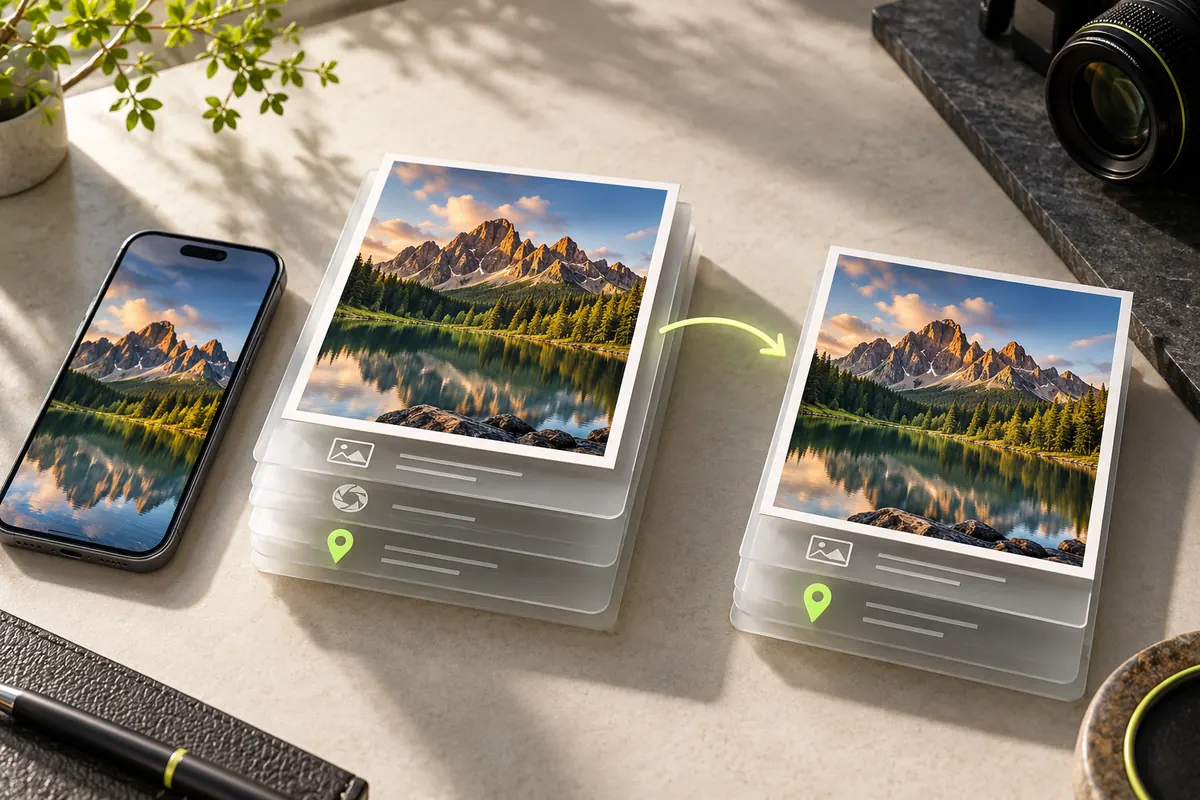
HEIC is often converted to JPEG when you share a photo or upload it to a site that does not accept HEIC. Converters differ: some copy the EXIF block across, some leave out fields and some remove it entirely. Information specific to the original, such as certain colour or depth data, may have no equivalent in a JPEG.
The file extension does not tell you which of these happened.
Compare the two files yourself
- Open the original HEIC in EXIF Reader and note the camera, date, GPS and number of fields.
- Convert it the way you normally would: share sheet, export or a desktop tool.
- Open the JPEG in Reader and compare.
- Write down which method gave which result, since tools and versions change.
Shooting JPEG directly
On an iPhone, Settings, then Camera, Formats, and Most Compatible makes the camera save JPEG instead of HEIC. That avoids a conversion step, though it does not change what metadata the camera records, and it may affect file size and other features.
Other differences you may notice
HEIC can store 10-bit colour and is often used with wide colour spaces, while JPEG is normally 8-bit. A converted JPEG may look slightly different, and features that depend on extra data in the original, such as certain depth effects, may not carry over.
File sizes also differ: HEIC is usually smaller than JPEG for similar quality, which is why phones adopted it.
Common questions
Why can’t I open a HEIC file on my computer? Some systems need an extra codec or extension to show HEIC. If yours does not, convert a copy or use a viewer that supports it.
Do websites accept HEIC? Many do not, which is why phones often convert on upload or when you share.
Does converting change the date taken? It depends on the converter: some keep the original date in the metadata, others write the date of conversion. Check the result in Reader.
Converting is not cleaning
If the original had GPS, a converted copy may still contain it. After converting, open the JPEG in Reader. If location or other personal fields remain, use Remove metadata on that JPEG and check the downloaded result again.
Put it into practice.
Explore a photo on your own device. Your selected photo is not uploaded.