Why is my photo’s EXIF missing?
Check the file, the export and the metadata fields before drawing conclusions.
Check the original file first
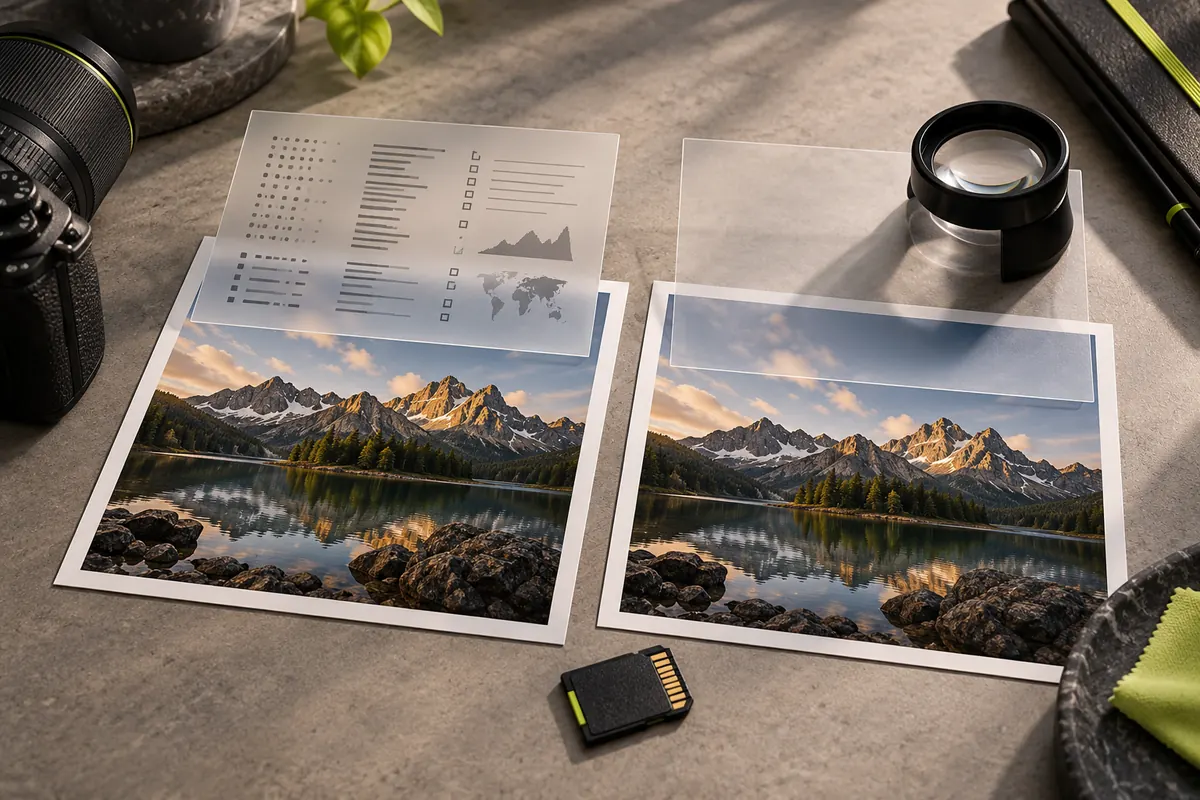
Compare the camera original with the downloaded or exported copy. Editing and sharing workflows can remove metadata; a screenshot is a new image and need not contain the original camera settings. Work with a copy and keep the original unchanged.
Repeat a simple local check
Open the bundled sample in EXIF Reader and note the clearly labelled synthetic camera settings. Remove metadata, download the clean copy, then open that copy in Reader. Camera and GPS fields should be absent; minimal orientation or a colour profile may remain. This reproducible example demonstrates removal, not the recovery of missing data.
Search all supported fields
In Reader, choose All fields and search for Model, DateTime or GPS. EXIF, IPTC and XMP can contain different information. Missing GPS does not mean every metadata field is absent, and no GPS tag is not a guarantee that the scene cannot reveal a location.
Know what cannot be recovered
PixKnow cannot reconstruct tags that were never recorded or were removed before you received the file. Unsupported or damaged files can also prevent reading. The product accepts files up to 20 MiB; full-size preview has separate limits. Missing EXIF alone does not prove that an image is authentic or manipulated.
Common reasons EXIF disappears
- the photo is a screenshot rather than a camera picture
- it was exported from an editing tool with metadata removal switched on
- a messaging app or website re-processed the image when you sent or uploaded it
- the camera or phone setting that stores location or other details was off
- the file was saved by software or in a format that does not keep EXIF
- someone removed it on purpose, for privacy
Work through it in order
- Find the earliest copy you have: the camera card, the phone library or the original email attachment.
- Open it in EXIF Reader and note which fields are present.
- Open each later copy the same way.
- The step where fields disappear tells you which tool or route removed them.
A valid result, not an error
When a file has no EXIF, the Reader says that no personal metadata was found and may list only technical image properties such as size and format. That is a correct description of the file, not a failure to read it.
A note on dates
If the date in a photo looks wrong, the camera’s clock may have been set incorrectly or an editor may have rewritten it. A date inside a file cannot, on its own, establish when something happened.
Common questions
Can PixKnow add EXIF back? No. It reads and removes metadata but does not add or restore it. Some desktop editors can write fields, but a value added later is not evidence of what the camera recorded.
Does missing EXIF mean the image is fake? No. Many genuine photos have none, and many edited images keep theirs.
Why do images downloaded from websites often have no EXIF? Websites commonly re-process pictures to reduce size, and that can drop metadata. The original may still have had it.
Put it into practice.
Explore a photo on your own device. Your selected photo is not uploaded.