Do social apps remove photo metadata? Test it yourself
Platforms handle uploads differently and change over time. Here is why you cannot assume, and a repeatable way to check.
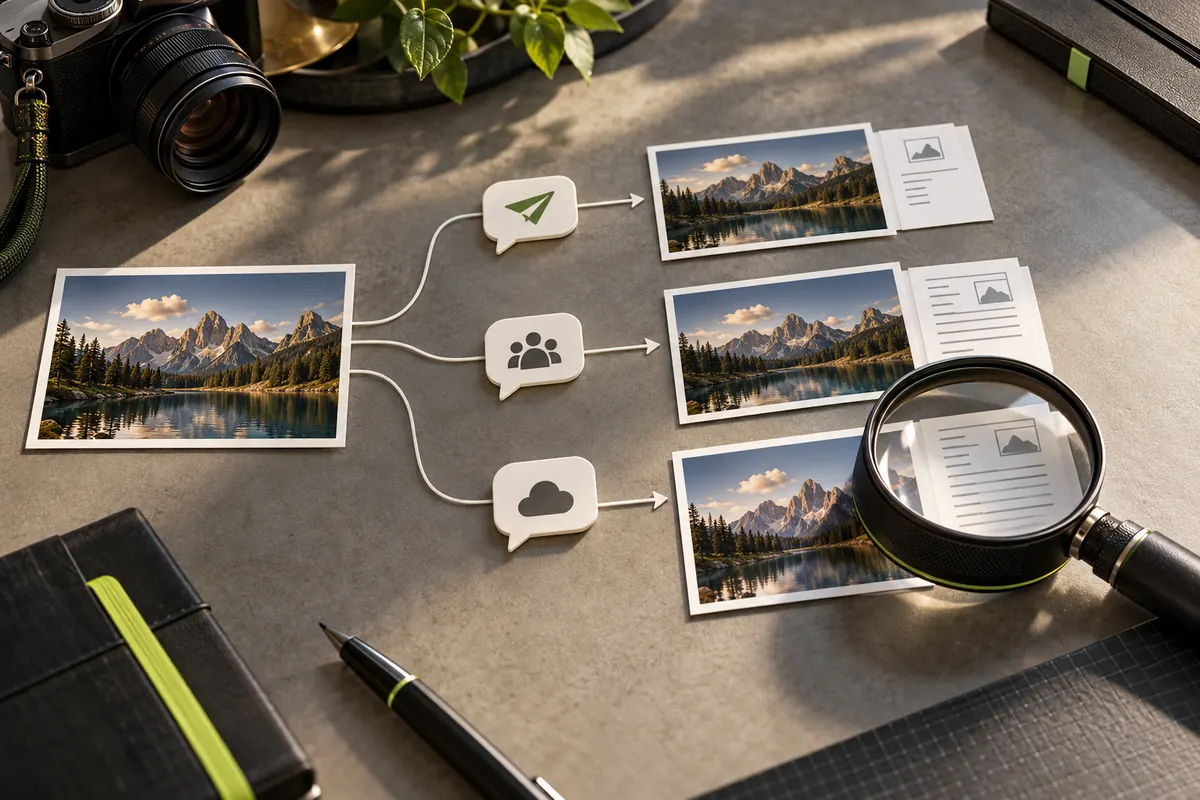
Why one answer does not hold
People often ask whether a particular app strips EXIF data. The honest answer depends on the service, the feature you use, the file type and the app version. Many services re-process images and may remove location from the version other people can download. A service may still keep information on its own systems, and another feature — sending a photo as a file or document, for example — may behave differently.
Behaviour can also change without notice. PixKnow has not tested every platform, so this guide does not publish a table of claims.
What you can control
You control the copy you upload. If the file you hand over has no location and no camera identity, it matters much less what a service does with it afterwards. That is more dependable than trusting a platform’s behaviour today.
A repeatable test
- Pick a photo that contains GPS and confirm it in EXIF Reader.
- Send or post it somewhere only you can see, such as a private chat with yourself or a draft. Use a photo that shows nothing you would mind exposing.
- If the service lets you save or download it again, do that the way another person would.
- Open the saved file in EXIF Reader and compare it with the original.
Reading the result
If GPS and camera fields are gone, that route removed them for that file at that time. If something remains, the route did not remove it.
Two cautions apply. The copy you can download may differ from what a service stores, and a result today may not hold after an update. Write down the date, app version and method you tested.
Keep a simple test log
Results are only useful if you can repeat them. For each test, write down:
- the date and the app or service, with its version if you can find it
- how you sent or posted the photo (post, story, private message, file or document)
- which fields were present before: GPS, camera model, date, software
- which fields were present in the saved copy
A few lines per test are enough, and they make it easy to notice when behaviour changes later.
Other ways a post can reveal a place
Metadata is only one route. Captions, tagged places, check-ins, background details, reflections and the time you post can all point to where you are. If location matters, review the whole post, not only the file.
Common questions
If a post is deleted, is its metadata deleted too? Deleting a post removes it from view. What a service keeps afterwards depends on its own policies, which PixKnow cannot describe for you; read the service’s privacy information.
Is it safer to send a photo as a file? Not necessarily. Some routes keep more of the original file than others. Test the route you actually use, or send a clean copy.
Should I trust a result I got once? Treat it as a dated observation. Apps update, and so does their handling of images.
A safer habit
Clean the photo before you post it with Remove metadata, then check the copy in Reader. After that, the platform’s behaviour matters far less.
Remember that no metadata tool edits the picture itself: faces, signs and backgrounds remain.
Put it into practice.
Explore a photo on your own device. Your selected photo is not uploaded.