How to check a cleaned photo before you share it.
A repeatable read, clean and reopen workflow—with an honest explanation of what a clean report means.
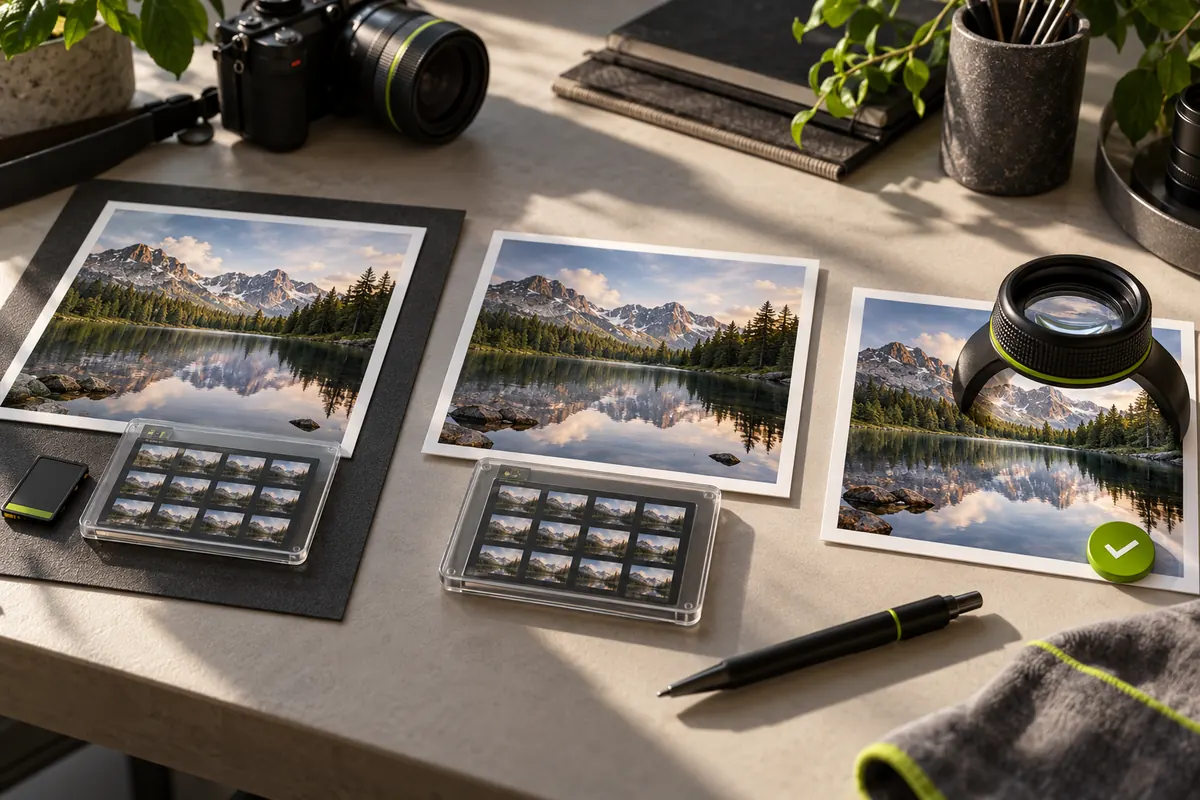
Keep the original and decide what you want to share
Start with a copy you are allowed to edit. A camera original may contain useful copyright, caption or editing information as well as private details. PixKnow’s cleaner removes supported personal metadata blocks together; it is not a selective copyright editor. If you need to preserve creator credits or a complete image archive, keep that original separately and review your publishing workflow before cleaning.
Inspect the starting file
Open the file in EXIF Reader. Note whether camera details, dates, GPS, creator information or comments appear. Use All fields and search for terms such as GPS, Creator or DateTime to look beyond the summary. A field’s absence means it was not found in the metadata we could read; it does not tell you why it is absent or prove that the file has never been edited.
Create a clean copy
Switch to Remove metadata and keep the colour profile unless you specifically need to remove it. The current cleaner supports still JPEG, PNG and WebP files up to 20 MiB. It preserves the image payload rather than re-encoding the picture. Orientation and display information may remain so the image can be shown correctly. HEIC and TIFF reading does not mean those files can be cleaned.
Wait for a verified result, then download
A successful operation produces the Ready to share screen and a download link. A refusal or verification error is not a cleaned file: do not treat it as success. Download the copy using the browser and note where it was saved. The original is not overwritten by PixKnow. The size can change because metadata was removed; a smaller file alone does not prove that all private information is gone.
Reopen the downloaded file
Choose another photo and select the actual downloaded copy in Reader. Camera identity, GPS and descriptive personal fields removed by the cleaner should no longer be reported. Minimal orientation or a colour profile can still be present; an empty list of every possible field is not the goal. For an important release, compare with an independent metadata reader too. Two tools can support different tags, so investigate a disagreement before publishing.
Look at the picture, not just the report
Check faces, name badges, number plates, reflections, screens and recognizable locations. Metadata cleaning does not edit these pixels, anonymize a person or revoke copies shared earlier. Also inspect the filename yourself: changing metadata inside a file is a different task from deciding what name to publish. If visible content is sensitive, a separate image-editing decision is needed.
Try the workflow without using a private photograph
Open the bundled sample in Reader, inspect its clearly labelled synthetic camera settings, clean it, download it and reopen the downloaded copy. This is a repeatable check of the interface and metadata-removal behaviour. It is not evidence of a physical-camera capture, a guarantee for every image format or a test of your phone’s maximum memory. Your selected files are processed in the browser; only the website’s ordinary page requests go to the hosting services.
Put it into practice.
Explore a photo on your own device. Your selected photo is not uploaded.