Your photo remembers more than you think.
The camera settings, dates and hidden details that travel with an image.
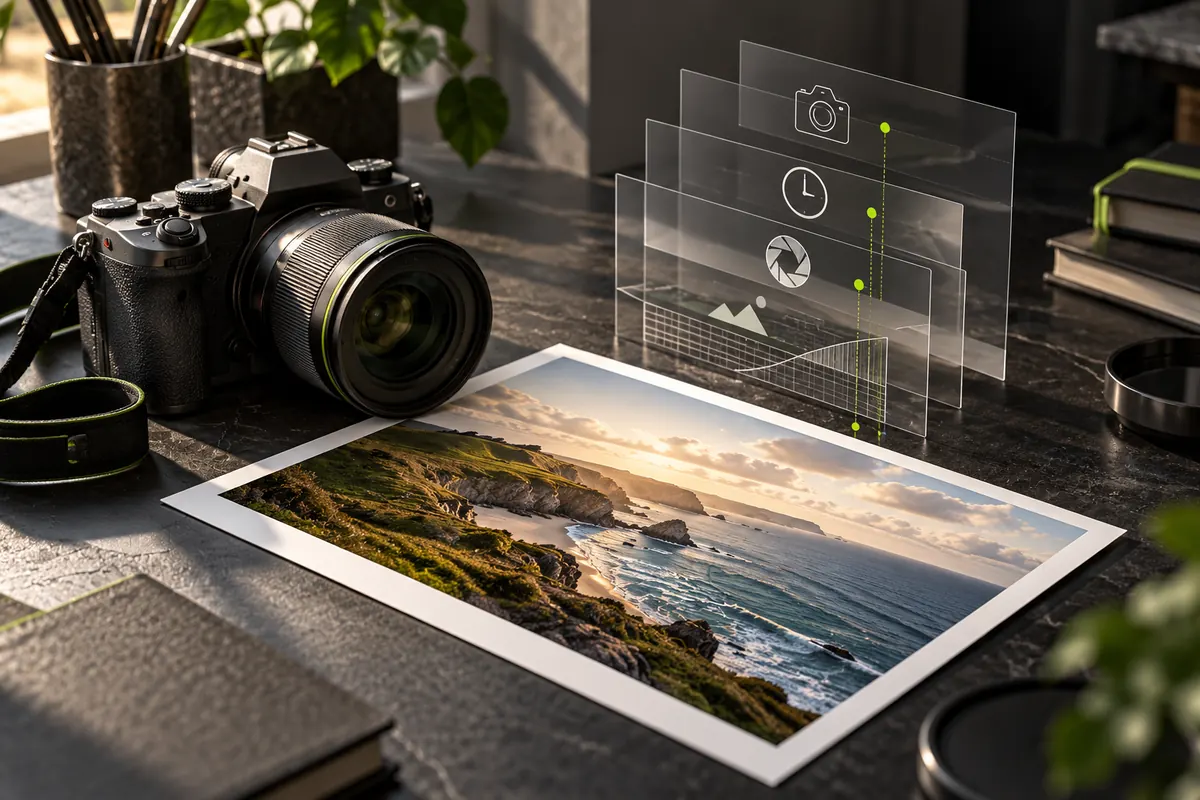
The information behind the image
EXIF is a standard for storing information alongside image data. A camera or phone may record the model, exposure settings, date and sometimes GPS coordinates. It is not the picture itself: those details live in a separate part of the file.
Read a photograph, not just its pixels
An aperture value can explain a soft background. A long exposure can explain a streak of light. Looking at these settings is a useful way to learn, but they do not reveal everything: lighting, editing and the photographer’s decisions matter too.
Not every photo has EXIF
Editing tools and sharing services may remove or rewrite metadata. A missing tag is not proof of manipulation, and an embedded date is not proof of when a scene really happened. Metadata is useful context, not an authenticity certificate.
Where EXIF comes from
EXIF stands for Exchangeable Image File Format. It was designed so digital cameras could describe their pictures in a standard way, and it is built into JPEG files and several other formats. Phones and cameras write it automatically, which is why most people never see it.
What EXIF usually records
- camera make and model, and often the lens
- exposure settings: aperture, shutter speed, ISO and focal length
- the date and time of the picture, according to the camera’s clock
- orientation, so software knows how to rotate the image
- colour space and image dimensions
- GPS position, when location was switched on
- the software that last saved the file
- sometimes a small embedded thumbnail
No file has to contain all of these, and the names vary between manufacturers.
Why EXIF matters
For learning and organising, EXIF is a gift: you can see which lens and settings produced a picture you like, or sort a library by date and camera. For privacy, the same data can be a problem, because it may describe where you were, when, and with which equipment, without any of it being visible in the picture.
How to look at the EXIF of a photo
- Open EXIF Reader and choose the photo. It is read in your browser and not uploaded.
- Read the overview: camera, the main exposure settings and a notice if a location is present.
- Switch to All fields to see everything the file contains, and use the search box to look for a word such as Model or GPS.
- Remember that a missing field describes the file you opened, not necessarily the original.
Common questions
Is EXIF the same as metadata? EXIF is one kind of metadata. IPTC and XMP are others, and one file can hold all three.
Do screenshots have EXIF? A screenshot is a new image created by the device, so it usually lacks the original camera settings.
Can EXIF be edited? Yes. Software can rewrite or remove it, so treat EXIF as descriptive information rather than proof.
Do PNG and WebP files have EXIF? They can store it, but many files of those types contain none.
Put it into practice.
Explore a photo on your own device. Your selected photo is not uploaded.