How to read ISO, aperture and shutter speed from a photo
What each setting does, how the three trade off against each other, and how to learn from the numbers stored in your own pictures.
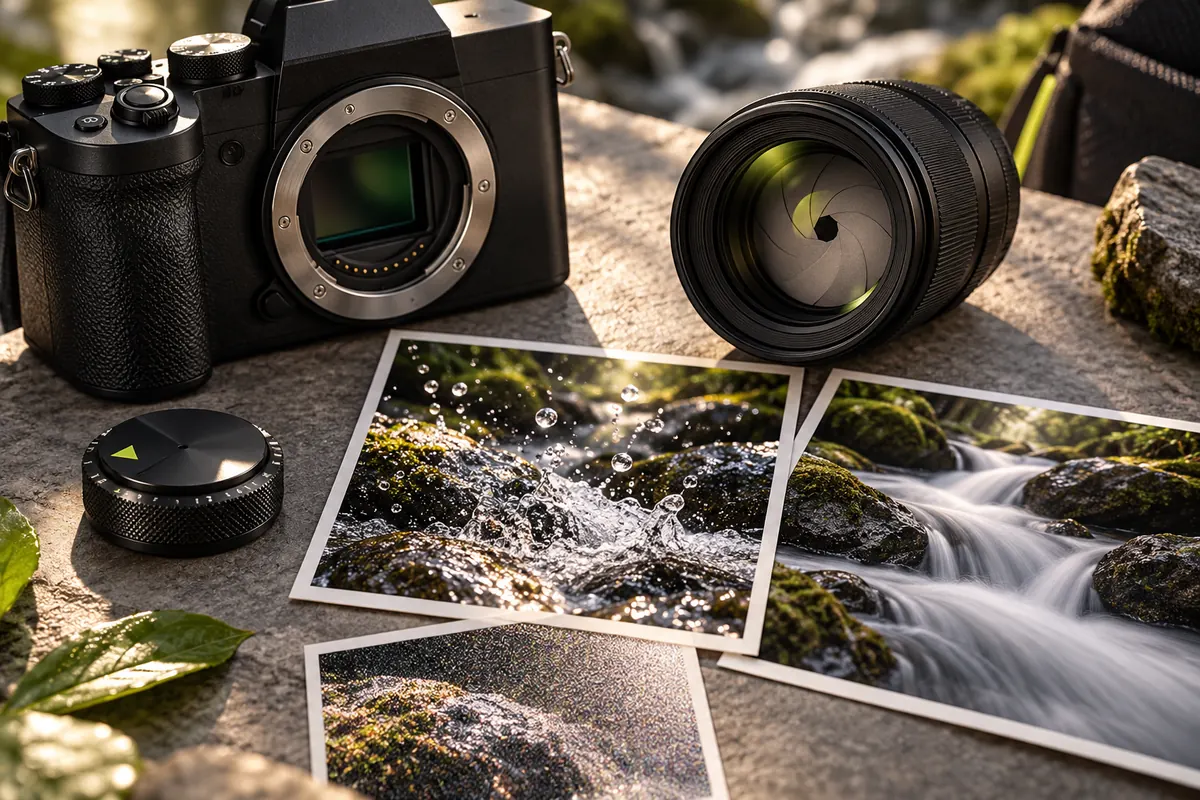
Three numbers that describe an exposure
Every exposure balances three settings. Aperture sets how wide the lens opens. Shutter speed sets how long the sensor collects light. ISO sets how much the signal is amplified.
Cameras and phones usually record all three in the photo’s EXIF data, together with focal length. EXIF Reader shows them at the top of the overview, with a short explanation under each.
Aperture (f-number)
A small f-number such as f/1.8 means a wide opening: more light and a shallower zone of sharp focus, which softens backgrounds. A large number such as f/11 means a narrow opening: less light and more of the scene in focus.
In the sequence f/1.4, f/2, f/2.8, f/4, f/5.6, f/8, f/11, each step lets in half as much light as the one before.
Shutter speed
A fast speed such as 1/1000 s freezes motion. A slow one such as 1/30 s or longer can blur moving subjects and reveals hand shake.
A common rule of thumb for handheld shots is a shutter speed near or faster than one over the focal length — about 1/50 s at 50 mm on a full-frame camera. Image stabilisation can relax it. Each step, such as 1/125 s to 1/250 s, halves the light.
ISO
Raising ISO brightens a picture in poor light but adds noise. Going from ISO 100 to ISO 200 doubles the amplification: one step, like a step of aperture or shutter speed.
A high value such as ISO 3200 is not a mistake; it is a trade-off, and cameras differ a lot in how clean their high-ISO pictures look.
How the trade-offs work
Imagine a photo taken indoors at f/2.8, 1/250 s and ISO 400. Stopping down to f/5.6 lets in two steps less light. To keep the same brightness you would need two steps more from somewhere else: for example 1/60 s, or ISO 1600.
The picture will not look the same. A smaller aperture gives deeper focus, a slower shutter risks motion blur and a higher ISO adds noise. Choosing among them is much of the craft.
Other fields worth knowing
- Focal length: the real length of the lens in millimetres. Many files also store a 35 mm equivalent, which lets you compare the angle of view of phones and cameras with different sensor sizes.
- Exposure compensation: how much brighter or darker than the camera’s own measurement the photographer asked for, such as +0.7 EV.
- Metering mode: how the camera measured the light, for example the whole scene, the centre of the frame or a small spot.
- White balance: automatic or manual. A manual setting is a deliberate colour choice.
- Flash: whether the flash fired.
Not every camera records every field, and names vary between makers.
Common questions
Why do I see 0.004 instead of 1/250? The camera stores exposure time as a number of seconds, and tools show it as a fraction or as a decimal. 1/250 s equals 0.004 s.
Why is a field blank? Editing programmes, exports and sharing services can drop or rewrite metadata, and some cameras never record certain fields.
Can I trust the date? It is whatever the camera’s clock said at the time, unless someone edited it later.
Learn from your own photos
Open a photo you like and one you do not, and compare aperture, shutter speed, ISO and focal length. Settings never explain everything: light, composition and editing matter, and editing software can rewrite or remove metadata.
Phone cameras also report small physical apertures and may combine several frames, so their numbers are less directly comparable with those of a dedicated camera. Treat settings as clues.
Put it into practice.
Explore a photo on your own device. Your selected photo is not uploaded.